Google Cloud RUN

Combining the serverless and container world together
Google recently introduced Google cloud RUN a new platform where you can deploy the code as a container in serverless platform without having the limitation to specific language constraints.
Write your code in any language you like
Write the Dockerfile for your code
Run it using google Cloud RUN
Google Cloud RUN automatically scales the compute power and resources required for the application based on the traffic and it can reduce the resources to zero level saving you lot of money. It is built form KNATIVE giving you the flexibility to run it in GKE (Google’s Kubernetes Engine). Spend time on development and not worrying about the resources required for your code to run . It is fully managed by Google including scalability , security and reliability.
**Official Definition** : Cloud Run is a managed compute platform that enables you to run stateless containers that are invocable via HTTP requests. Cloud Run is serverless: it abstracts away all infrastructure management, so you can focus on what matters most — building great applications. It is built from Knative, letting you choose to run your containers either fully managed with Cloud Run, or in your Google Kubernetes Engine cluster with Cloud Run on GKE.
Lets run a sample application using google cloud run .
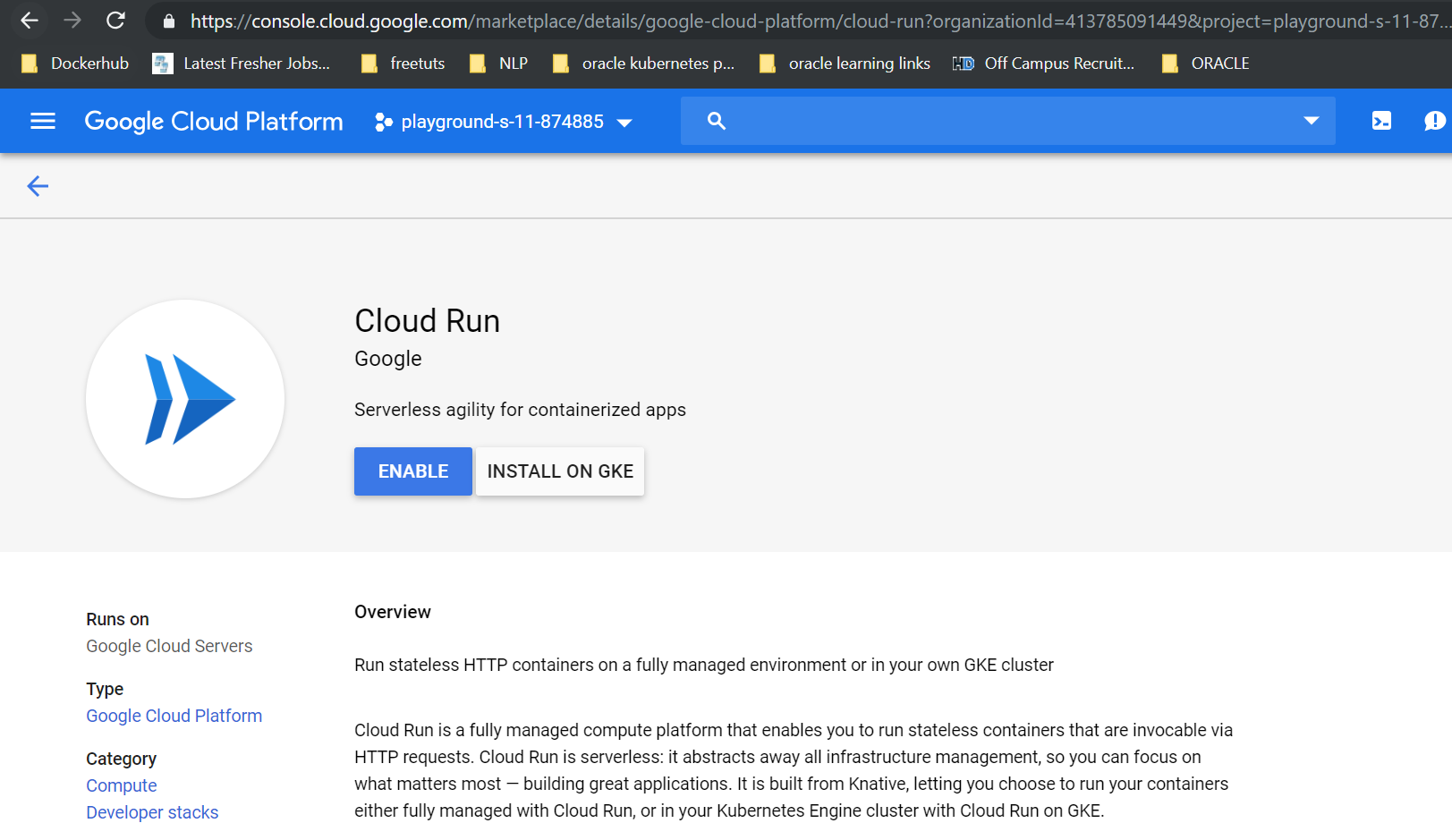 Enable Cloud Run
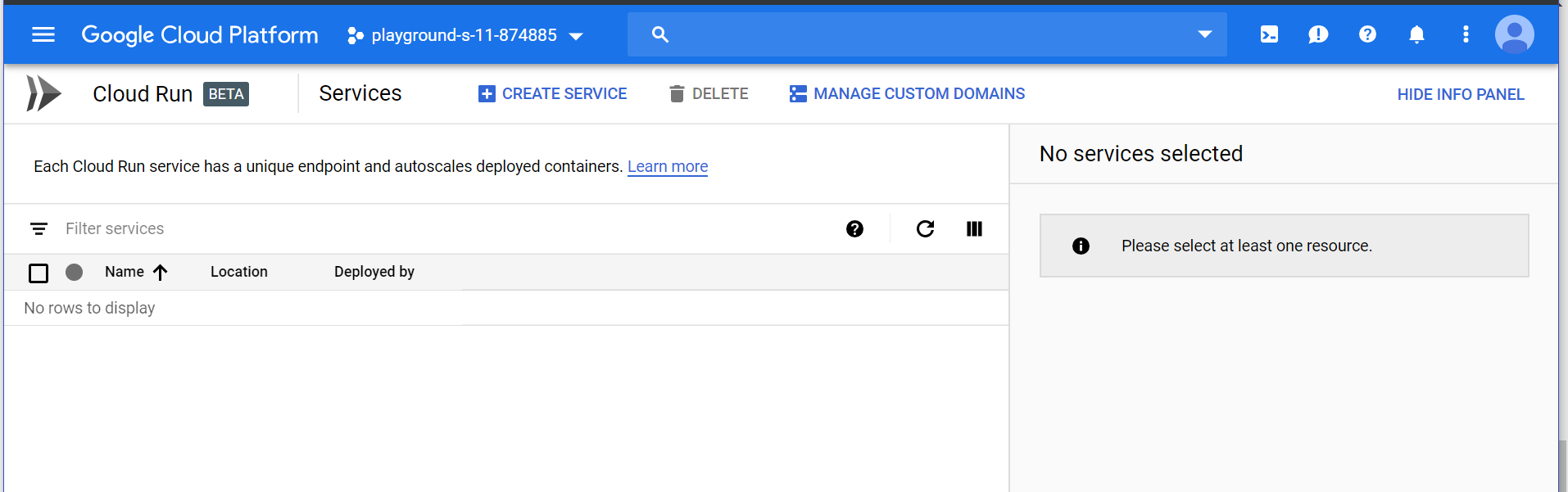 Create Service Page
So before creating a service using Google Cloud Run you need to setup google cloud sdk in your local system and then clone the below repository :
Steps:
- git clone https://github.com/saiyam1814/nodejsmonitoring.git
- cd nodejsmonitoring
- docker build . -t gcr.io/[project id]/node
- docker push gcr.io/[project id]/node
Now if you go to Container Registry you can see the image pushed :
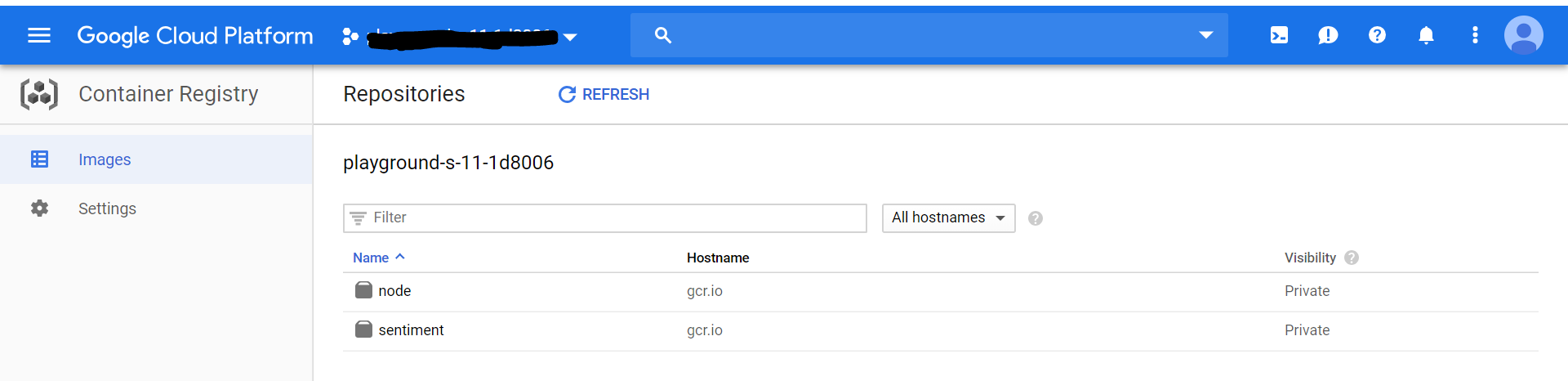 Container Registry
Now lets go to Google Cloud RUN and create a service as follows:
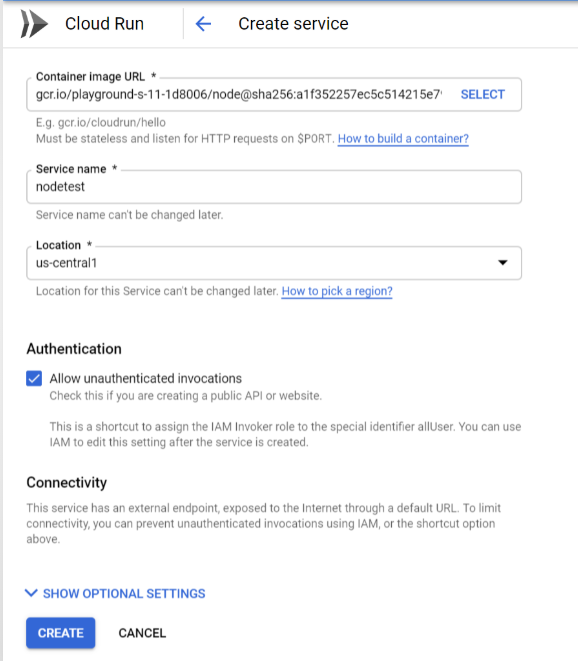 Create Service
Select the image and tick the check box then click create.
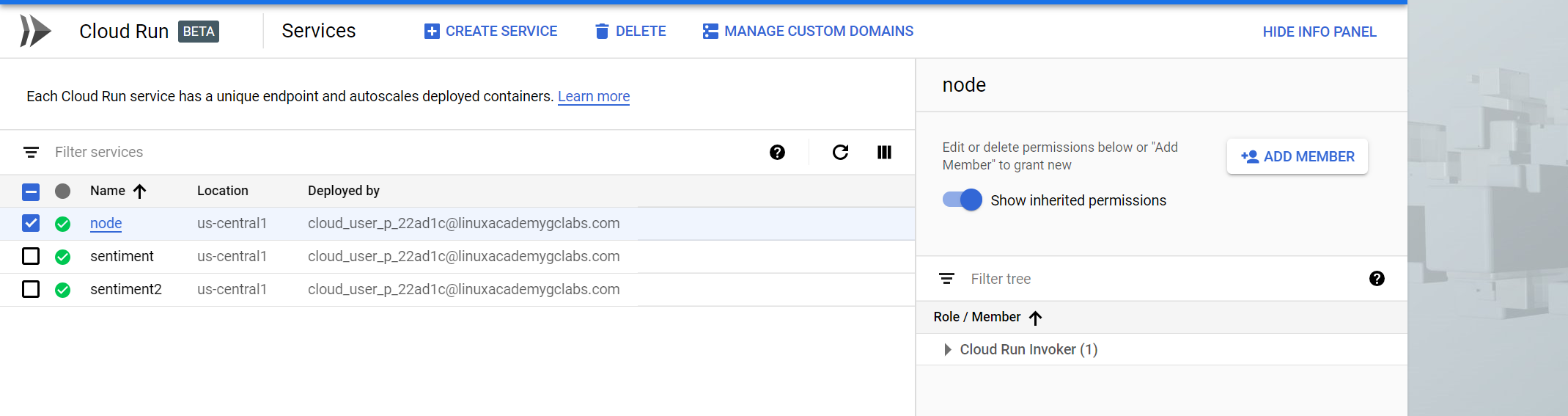 Cloud Run Dashboard
Now Select the service that was just created and from the panel on the top right side : choose add member > add allUsers > Select the Cloud Run Invoker role from the Select a role drop-down menu > Click Add.
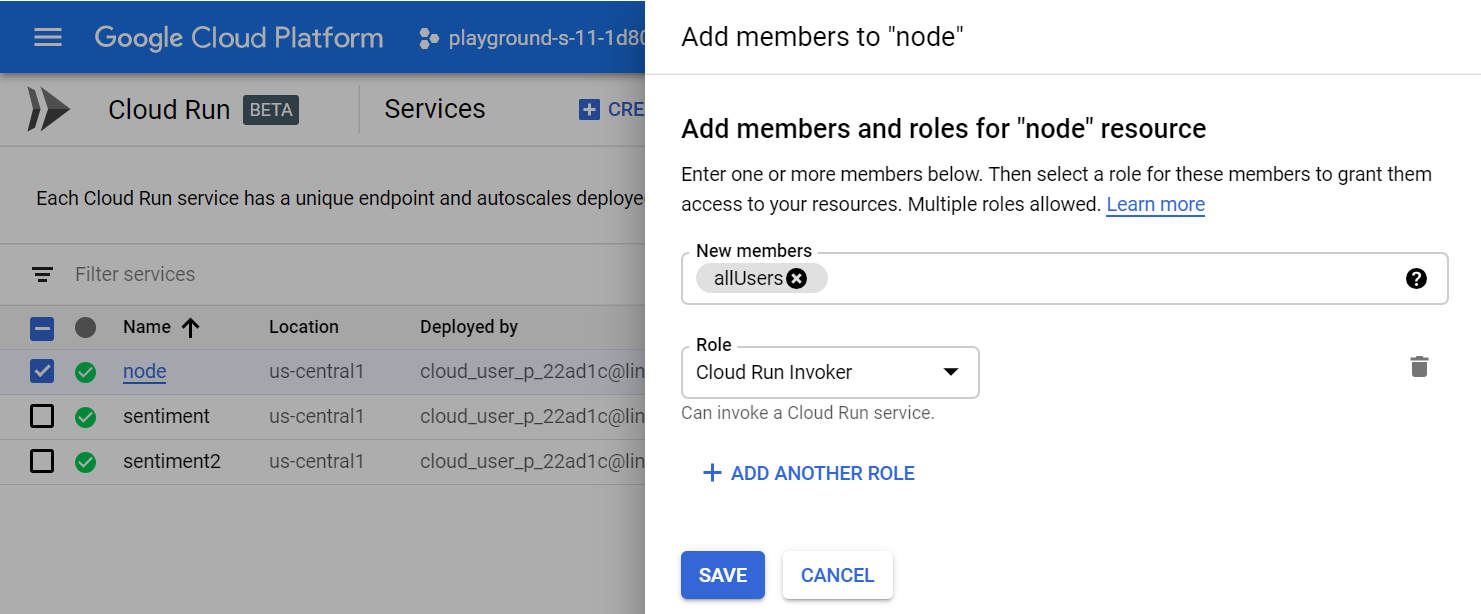 Public Access
Once the service has been created it will let give you the accessible URL to access the application . Just one note here the port 8080 that you specify in the code will automatically be present in the url so no need to mention it explicitly with the URL . As you can see for the above service also a URL is generated . Lets hit the URL and see the application working.
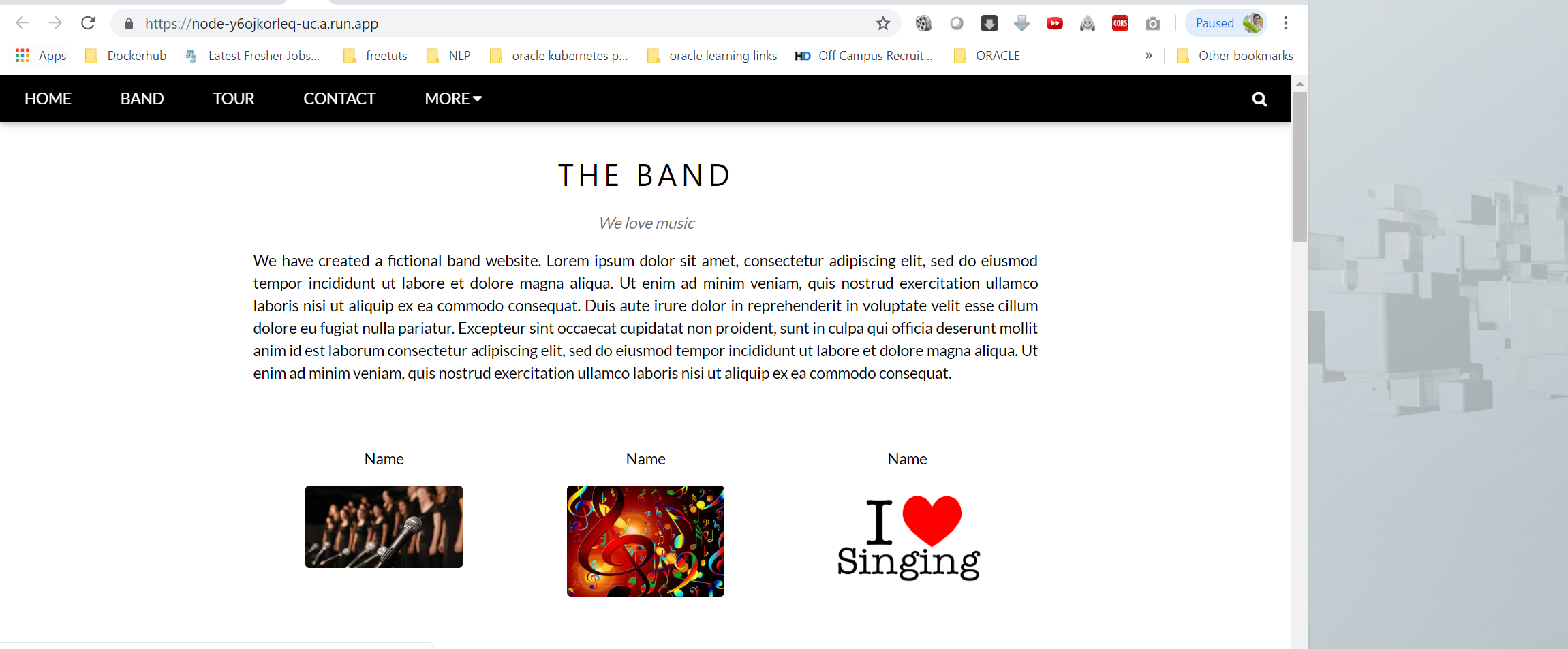 sample app
Now the application has been deployed. Or you can say that you just deployed the application to highly available Google Cloud Infrastructure without actually deploying it as the deployment is taken care by Google itself. In short it is container serverless deployment to Google Cloud Infrastructure .
Happy Learning & Happy Coding Saiyam Pathak https://www.linkedin.com/in/saiyam-pathak-97685a64/ https://twitter.com/SaiyamPathak
About the author
Saiyam is working at Loft as a Principal Developer Advocate. Previously, at Walmart Labs, Oracle, and HP, Saiyam has worked on many facets of k8s, including the machine learning platform, scaling, multi-cloud, managed k8s services, and k8s documentation. He's worked on implementing Kubernetes solutions in different organizations. When not coding, Saiyam works on contributing to the community by writing blogs and organizing local meetups for Kubernetes and CNCF. He is also a Kubestronaut/Portainer/Traefik/CNCF ambassador and can be reached on Twitter @saiyampathak.
Comments
Join the discussionNo comments yet. Be the first to comment.


